1
Photograph the drawing
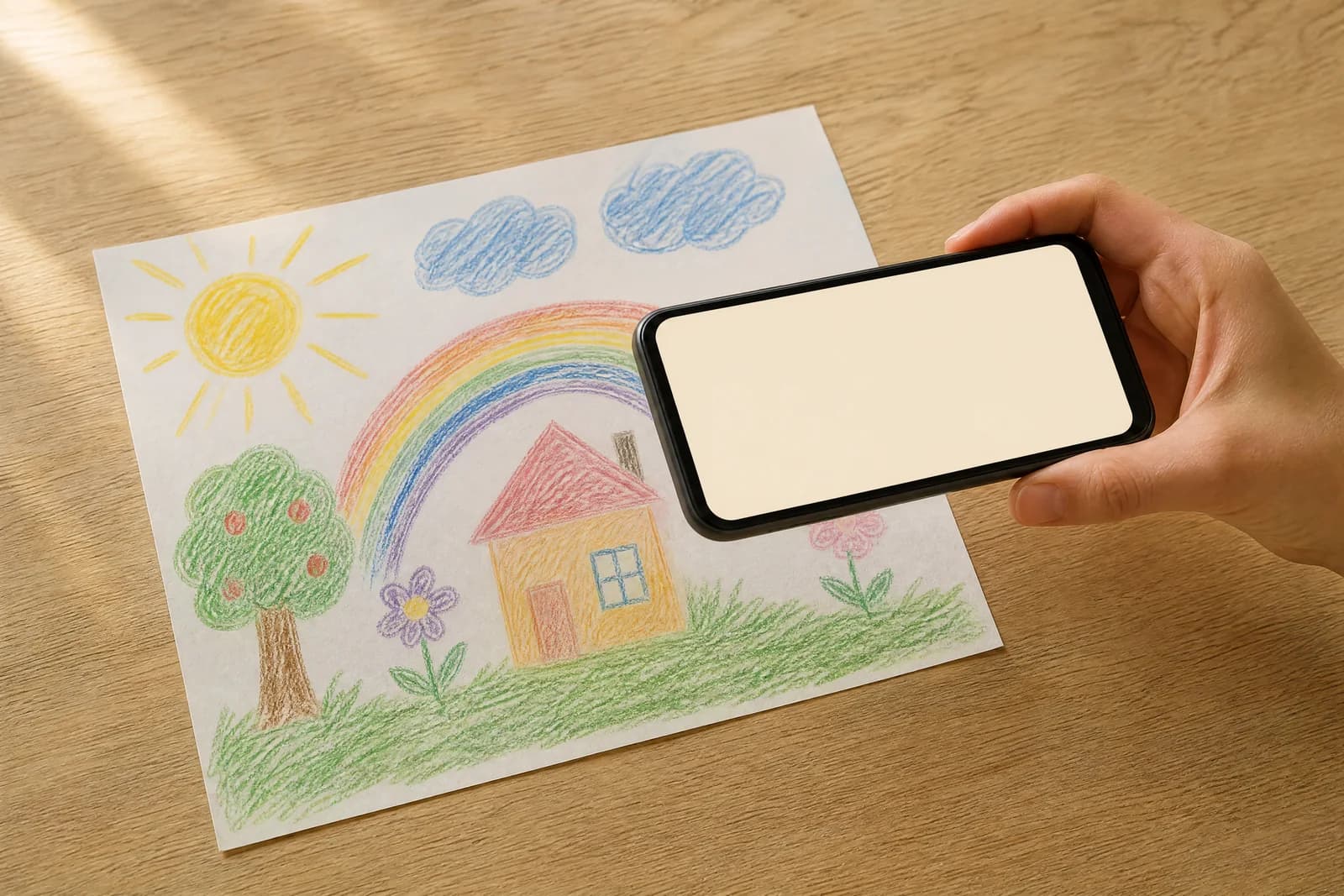
Lay it flat, stand over it, take one photo. Scribbo straightens the perspective, trims the edges and lifts the paper back to white — so a wonky kitchen-table snap is genuinely fine.
Ordinary code, not a model
Three steps on one page, and no hidden ones. Below, the same thing again in more detail — including exactly which parts use a model and which are ordinary code.
Lay it flat, stand over it, take one photo. Scribbo straightens the perspective, trims the edges and lifts the paper back to white — so a wonky kitchen-table snap is genuinely fine.
Ordinary code, not a model
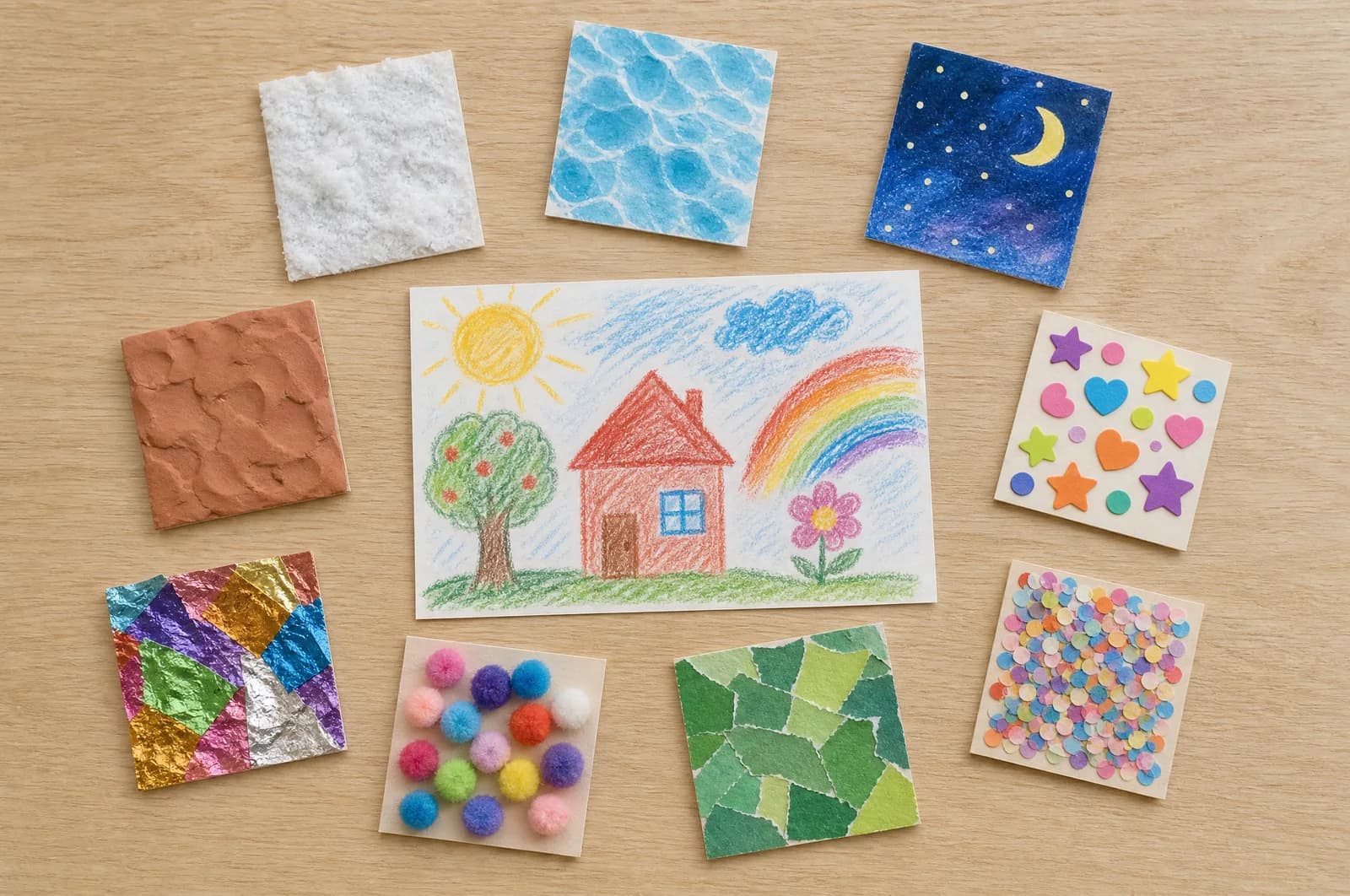
Six motions — wave, dance, run, fly, jump, spin — and ten style presets, from the drawing simply moving on its own page to clay, snow, deep water or a tiny cardboard stage. Add a sound bed if you want one.
10 presets · 6 motions
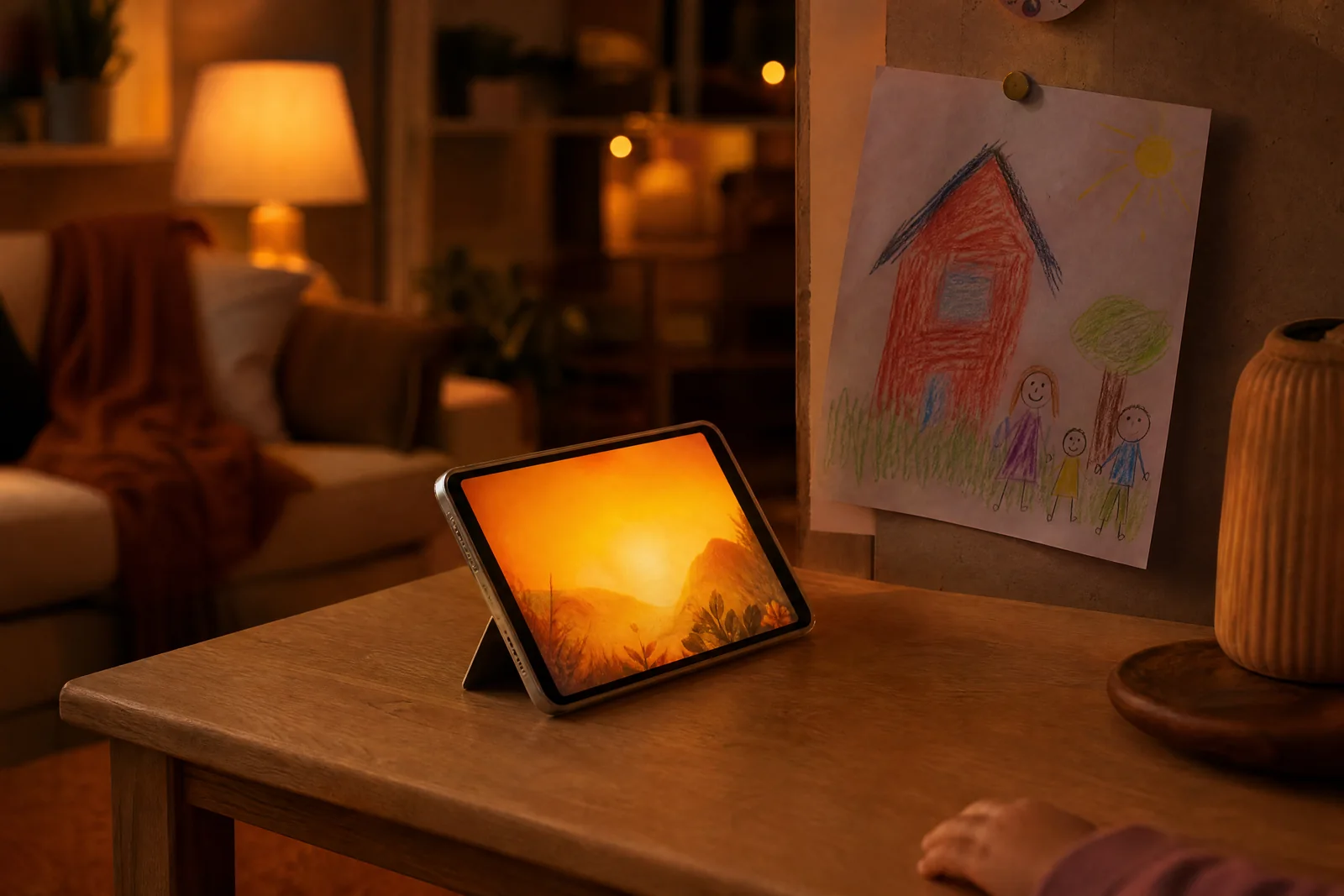
Your clip joins the queue and you can walk away. When it is ready you get a notice in the studio, and the MP4 downloads in portrait or square — ready for the family group chat.
Queued · progress · auto-refund
Worth being specific about, because it explains why the result still looks like your child's drawing and why a price on this site can never come out garbled.
Ordinary code
Perspective correction, edge detection and a white-point lift. Pure geometry and colour maths — no model is involved, so nothing invents detail that was not on the page.
Automated screening
An automated classifier refuses photographs containing a recognisable person, and anything on the Acceptable Use list. It can refuse an upload; it never alters one. Nothing is generated and no allowance is used.
The AI step
A generative video model works out where the joints are, which part is a wing and what should trail behind, then moves the character while preserving its original outlines, colouring and paper grain.
Queue
Renders are queued, not instant. You see your position and progress, and you can close the tab. Failed renders return the animation to your allowance automatically. Files are deleted after 30 days.
Every price, plan name, label, date and caption on Scribbo is typeset by the website itself. Generative models are notoriously bad at letterforms, so we simply never ask one to produce text that has to be correct. Whatever a child wrote on their own drawing, of course, stays exactly as they wrote it — it is part of the picture, and it is never read or used for anything. See the AI Transparency Statement.
One per render. On the Playground plan you can run several motions from a single drawing.
Wave
A big cheerful hello, held for a beat at the top.
Dance
Bouncy two-step, arms up, a little hip swing.
Run
Full sprint across the page with scribbled speed lines.
Fly
Lifts off the paper and loops upward, trailing a line.
Jump
A squash, a big leap, a puff of paper dust on landing.
Spin
Turns on the spot, arms flying outward, then wobbles.
All ten are available on every plan, the free one included.
Paper Alive
The sheet itself starts moving
Sticker Cutout
Peeled off the page
Claymation
Thumbprints and all
Glow Night
Chalk that glows in the dark
Snow Day
Soft, cold and quiet
Underwater
Everything floats
Outer Space
No gravity, no rules
Birthday Party
Confetti on demand
Rainbow Doodle
Pure kinetic scribble
Cardboard Theatre
A tiny stage on the table
free, and no card


